
Project Images and Application References
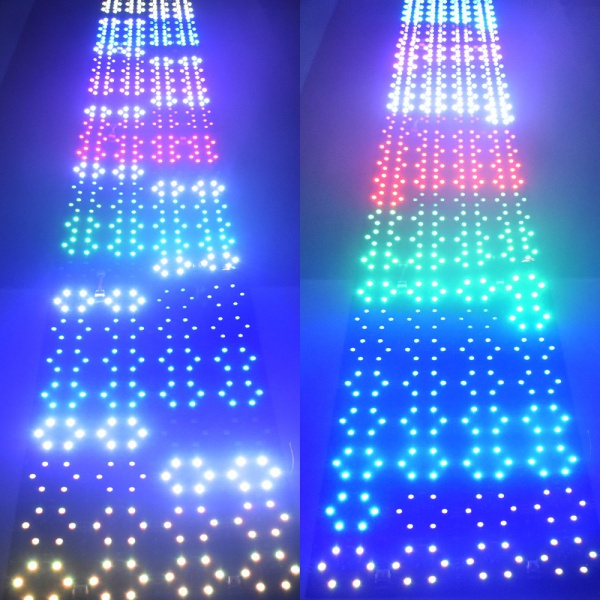
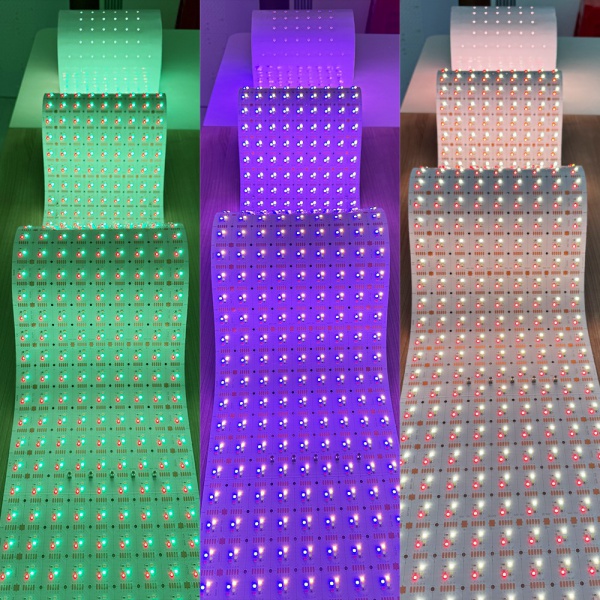
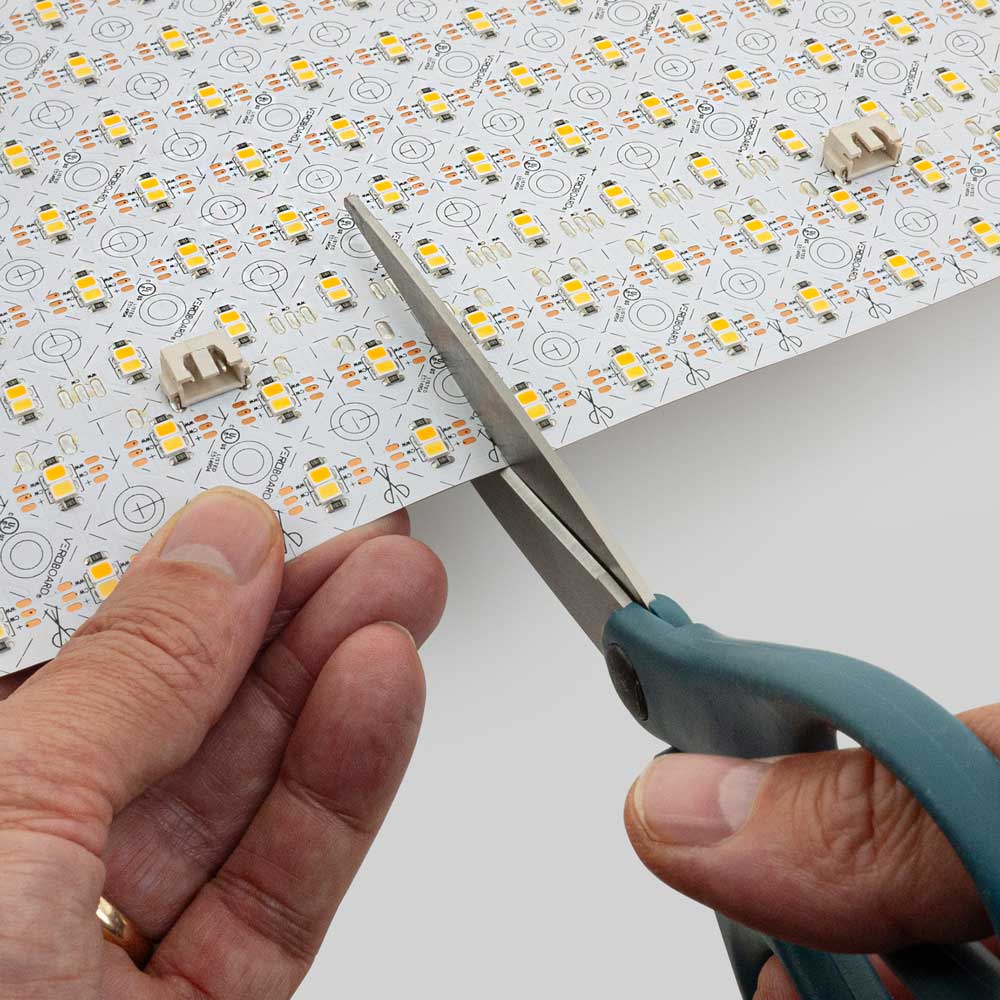
An LED backlight sheet can be a strong solution for thin signage and light boxes, but the layout must control LED dots, edge shadows, cable shadows, and uneven brightness. Thin signs leave less space for light mixing, so product density, diffuser material, and mounting accuracy matter a lot.
Many signage buyers search for an LED panel, LED backlight sheet, or flexible LED sheet without knowing which format is best. The right answer depends on sign depth, visible graphic size, face material, brightness target, power access, and whether the sign needs single-color white, RGB, RGBW, or CCT control.
Why Thin Signs Show Dots Easily
When the LED sheet is too close to acrylic, fabric, or a printed face, individual LEDs may become visible. A milky acrylic face can help, but it does not solve every shallow-depth problem. Thin signs also make connector placement more sensitive because a connector, cable, or support rib can cast a shadow through the face.
For related product selection, compare flexible PCB LED light sheets with LED light sheets for signage and light boxes.
Signage Design Variables
| Variable | What can go wrong | How to reduce risk |
|---|---|---|
| Sign depth | Dots and cable shadows become visible | Increase depth or use diffuser layer |
| Face material | Too transparent or uneven diffusion | Test acrylic, fabric, or printed film |
| Sheet seams | Straight dark lines | Place seams outside focal graphics |
| Cable route | Visible shadow or bulky edge | Plan cable exits before mounting |
| Power feed | Dim far end | Use appropriate zones and short runs |
RGB and Color Signage
RGB and RGBW projects need extra planning because color channels must stay balanced. A sign that looks even in white may show uneven color if the controller load, cable length, or channel wiring is wrong. For color-changing signage, label channels clearly and test at several colors before closing the sign face.
If the sign needs color plus usable white, review the RGBW LED light sheet. For controller selection, use LED controllers and how to choose an LED controller.
Installation Checklist for Thin Signs
- Confirm visible graphic area and hidden border area.
- Test the face material at the real sign depth.
- Keep cables and connectors outside the main visible area.
- Use white or reflective internal surfaces.
- Power test before closing the acrylic or printed face.
- Use zones for long or high-power signs.
When to Use a Custom Layout
If the sign is non-standard, shallow, curved, or color-changing, do not buy only by sheet size. Send dimensions, sign depth, face material, and control requirements through the custom quote page so the sheet layout and wiring can be checked together.