
Project Images and Application References
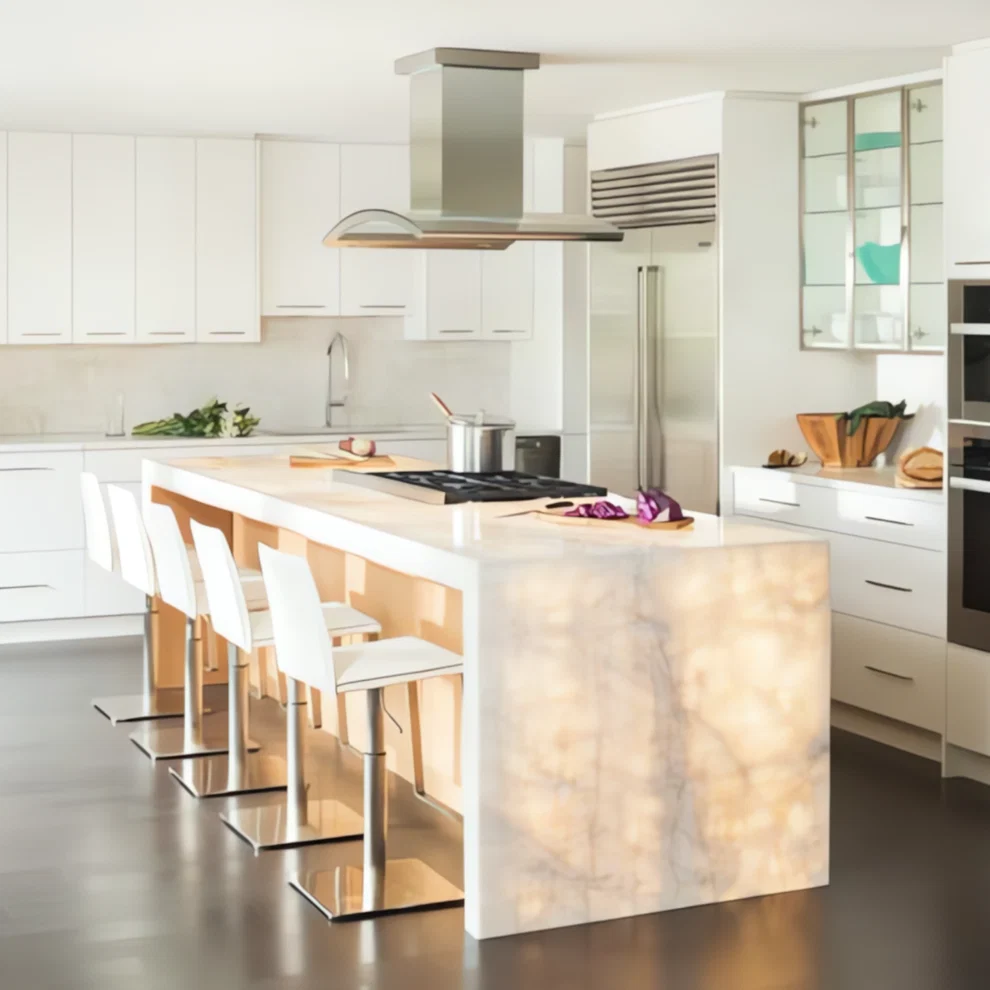
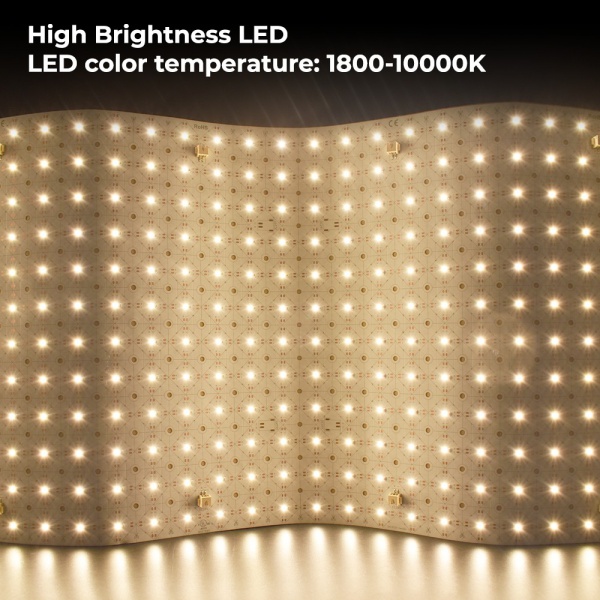
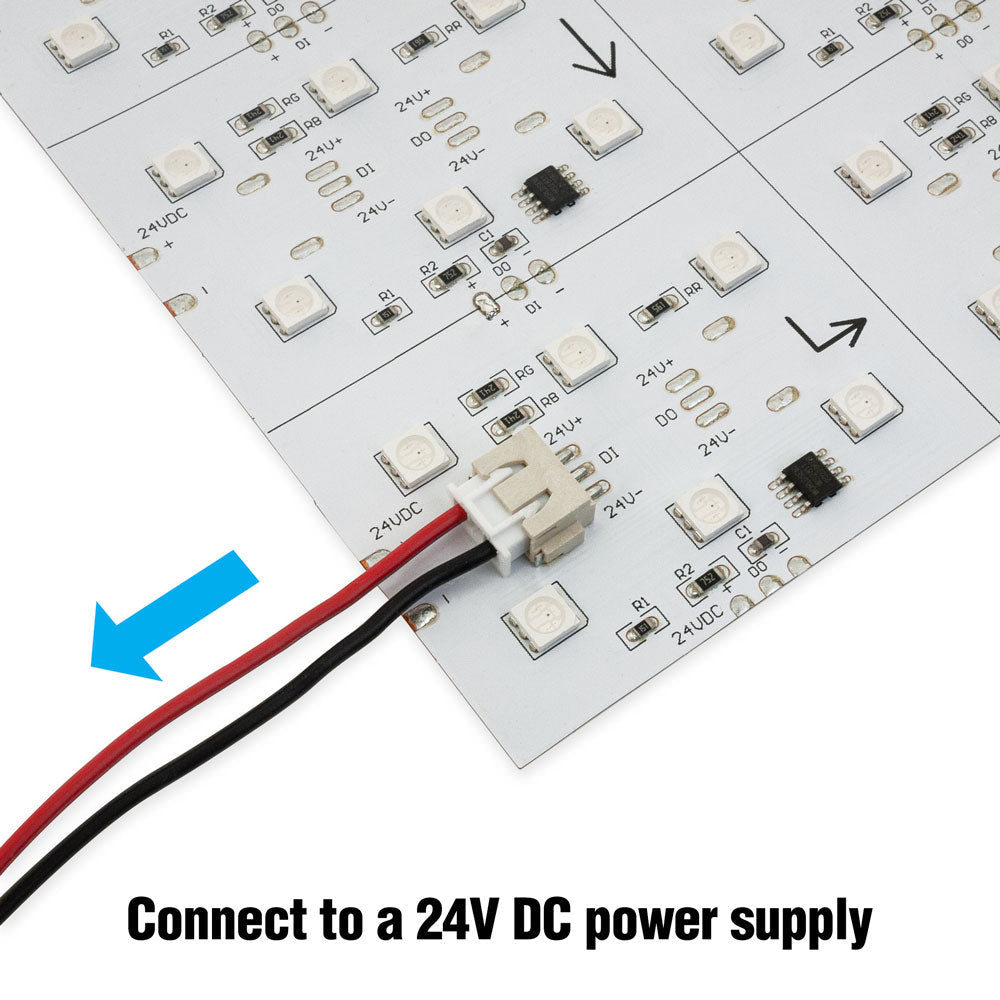
An LED backlight sheet is useful for display cabinets and retail shelves when the project needs thin, even illumination without bulky light strips or deep lighting cavities. The main design goals are even brightness, clean cable routing, low heat, service access, and a finished look that does not expose dots or shadows.
Cabinet and retail projects are different from large stone walls. They often have less depth, more edges, more doors or removable panels, and more close-up viewing. This makes LED dots, cable shadows, and exposed connectors easier to notice.
Where LED Sheets Work Well in Cabinets
- Backlit display shelves for cosmetics, jewelry, watches, or electronics
- Retail wall bays and product display backgrounds
- Furniture panels, cabinet backs, and translucent inserts
- Showcases where depth is limited but even glow is needed
- Brand display panels and small custom light boxes
For general product format, start with flexible PCB LED light sheets. For smaller projects and samples, also review 242 LEDs LED light sheet.
Common Cabinet Lighting Problems
| Problem | Cause | Better solution |
|---|---|---|
| Visible dots | Too little distance to acrylic or translucent panel | Use diffuser or increase spacing |
| Dark edges | Sheet stops too early behind trim | Extend coverage into hidden border |
| Cable shadows | Connector placed behind visible face | Route cables through side or hidden channel |
| Hot driver area | Power supply hidden in a sealed small cabinet | Keep PSU ventilated and accessible |
| Uneven shelves | Each shelf powered differently | Use consistent zones and wiring lengths |
Power and Service Access
For retail fixtures, the display may need maintenance after installation. Avoid hiding the power supply or controller where staff cannot reach it. If the cabinet has multiple shelves, use a wiring plan that allows one shelf or zone to be inspected without dismantling the entire fixture.
For electrical planning, use LED power supplies, LED controllers, and power supply sizing for LED light sheets.
Installation Workflow
Before sticking the sheets, test them on the bench. Then place them inside the cabinet without removing adhesive liner. Check whether shelves, brackets, side walls, and cables create shadows. Only fix the sheet after brightness and cable routing look correct.
- Confirm visible lit area for each shelf or panel.
- Keep cables and connectors outside the visible face.
- Use white or reflective inner surfaces where possible.
- Test with the actual acrylic or translucent panel.
- Leave power supplies and controllers accessible.
For custom cabinets, send dimensions, drawings, panel photos, and wiring preferences through the quote request page before production.