
Project Images and Layout References
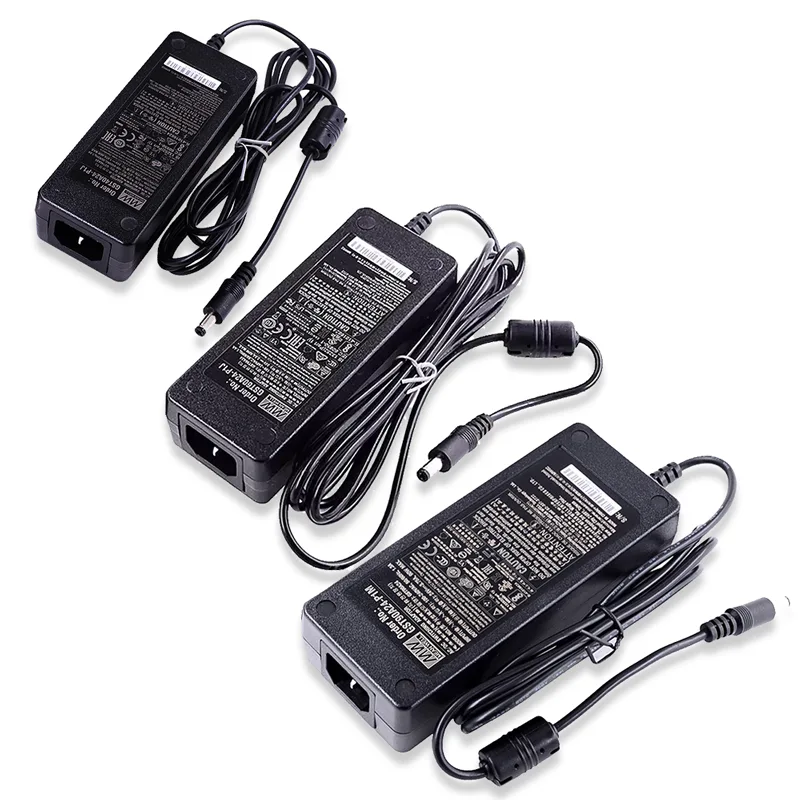
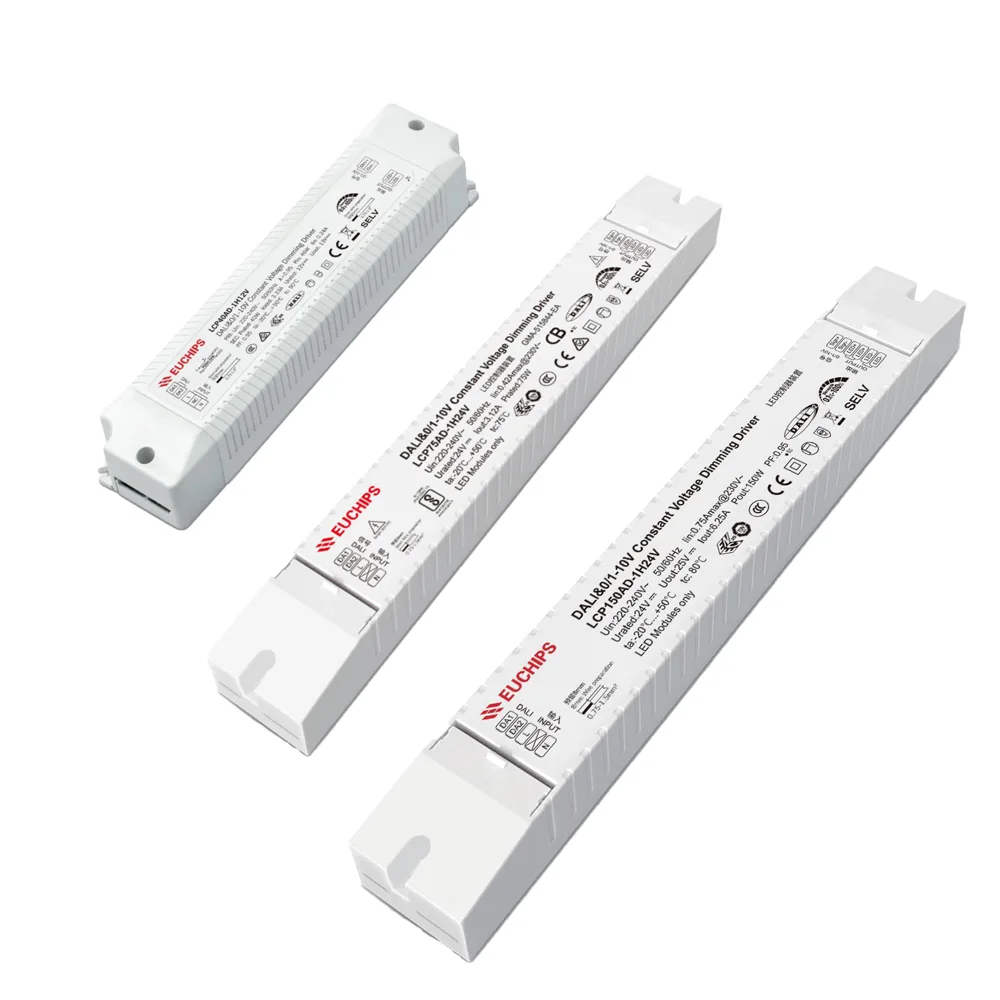
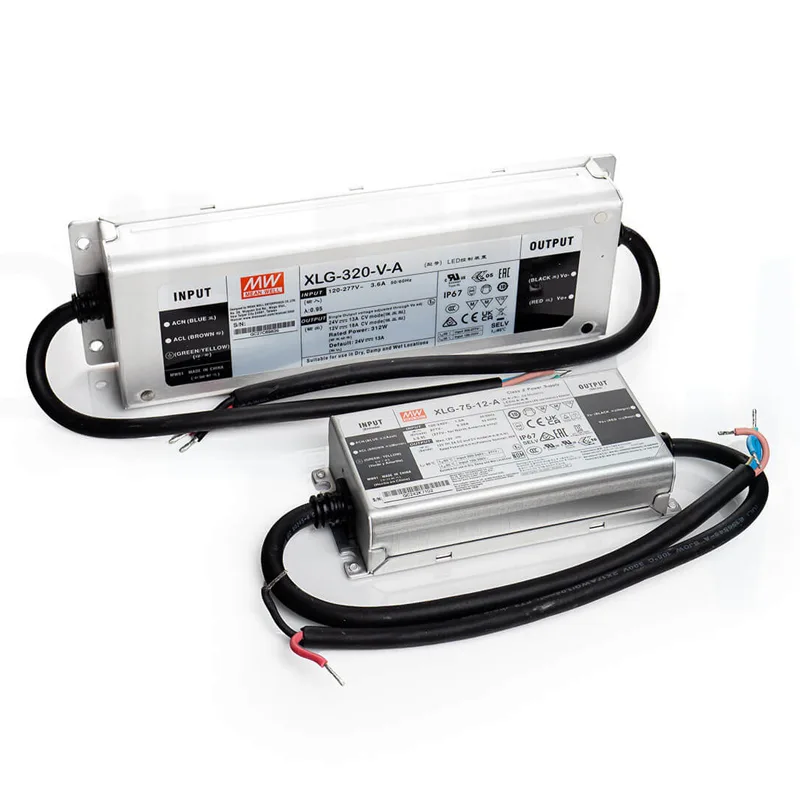
Quick Answer: To calculate LED light sheet power supply size, confirm the LED sheet voltage, estimate the total wattage by illuminated area or sheet count, add reserve capacity, then check cable length, voltage drop, dimming method, controller load, driver access, and installation environment. For large backlit stone or signage projects, calculate by zones instead of treating the whole surface as one load.
Related project planning links: LED power supplies.
Quick Formula
The basic sizing formula is simple:
Total LED load = LED sheet wattage x quantity or illuminated area
Recommended driver capacity = total LED load + reserve capacity
For example, if a group of LED light sheets needs an estimated 160 W at 24 V, the driver should not be selected only because it says 160 W. You should add reserve capacity, confirm whether the driver can operate in the planned environment, and decide whether the layout should be split into two or more zones.

Inputs You Need Before Calculating
Before you choose a power supply, collect these project details. If one of them is missing, the calculation is only a rough estimate.
| Input | Why it matters | What to confirm |
|---|---|---|
| LED sheet voltage | The driver output voltage must match the sheet voltage. | 12 V, 24 V, or the exact product specification. |
| Wattage | This is the base load for sizing. | W per sheet, W per square foot, W per square meter, or the project BOM. |
| Illuminated area | Stone walls, countertops, light boxes, and signs rarely use the same load. | Visible width, height, cutouts, returns, and non-lit zones. |
| Cable route | Long runs can create voltage drop even when the driver wattage looks sufficient. | Driver location, feed points, cable length, and wire gauge. |
| Control method | Dimmers, CCT controllers, RGBW controllers, and amplifiers all have load limits. | Single color, tunable white, RGB, RGBW, DMX, 0-10 V, or other interface. |
| Service access | Drivers hidden behind stone or millwork are difficult to replace. | Access panels, remote driver box, labeled zones, and maintenance route. |
If you are still estimating the LED area, use the LED light sheet calculator. For driver sizing, use the LED light sheet power supply calculator and then verify the result against the real drawing.
Power Supply Decision Table
| Project condition | Recommended sizing approach | Reason |
|---|---|---|
| Small sign, display panel, or sample board | One matched constant-voltage driver may be enough. | The load is usually low and the cable distance is short. |
| Backlit stone countertop or bar counter | Calculate by section and keep drivers accessible. | Stone and millwork often limit service access after installation. |
| Large translucent stone wall | Use several labeled zones with separate feeds. | It reduces voltage-drop risk and makes troubleshooting easier. |
| RGBW or tunable white project | Check channel load, controller rating, and amplifier needs. | The driver may be large enough while the controller channel is overloaded. |
| Long cable run from remote driver location | Review voltage drop before final driver selection. | A larger driver alone may not fix dimming at the far end. |
Step-by-Step Sizing Method
1. Match the voltage first
A 24 V LED light sheet needs a compatible 24 V constant-voltage power supply. A 12 V sheet needs a 12 V driver. Do not mix voltage ratings just because the wattage looks close. If the project has several product types, calculate each voltage group separately.
2. Calculate the base LED load
Use the product specification to estimate total wattage. Depending on how the product is specified, this may be based on sheet count, square area, module count, or a custom factory layout. For backlit stone and custom shapes, the factory drawing is often more reliable than a simple rectangle estimate.
3. Add reserve capacity
Power supplies should not be planned as if they will run at maximum output continuously in every condition. A reserve margin gives the system more practical headroom, especially when drivers sit in warm cabinets, ceiling spaces, display boxes, or millwork. The exact margin depends on the driver model and installation environment.
4. Decide the zones
For small surfaces, one zone may be practical. For large backlit stone, signage, or display walls, plan separate zones by physical panel, service access, cable route, or dimming area. Pair this article with the power supply selection guide when comparing one large driver against multiple smaller drivers.
5. Check the controller and dimming load
The power supply is only one part of the system. If the layout uses PWM dimming, tunable white, RGBW, DMX, or a wall controller, confirm the controller output current and channel rating. For larger systems, a controller may need amplifiers or separate driver zones. See the power supply and controller guide before finalizing controls.
6. Confirm service access before production
Drivers, controllers, and terminal blocks should be reachable after installation wherever possible. This is especially important for translucent stone backlighting, backlit bar counters, hotel feature walls, and built-in signs where the finished material is expensive to remove.
When to Split Into Power Zones
Split the load when the illuminated surface is large, cable routes are long, the project needs separate dimming areas, or the driver location is far away from part of the LED sheet layout. Zoning is not only about wattage. It also affects brightness balance, cable management, troubleshooting, and future replacement.
| Symptom or risk | Likely planning issue | Better approach |
|---|---|---|
| One side of the panel looks dimmer | Long feed distance or uneven load distribution. | Add feed points, shorten cable runs, or split zones. |
| Driver runs very warm | Driver is overloaded, enclosed, or poorly ventilated. | Add reserve, improve ventilation, or use multiple drivers. |
| Dimming behaves unevenly | Controller channel load or wiring layout is mismatched. | Check channel limits and use amplifiers or separate zones. |
| Service requires removing stone | Driver location was not planned early enough. | Move drivers to accessible boxes before production. |
Voltage Drop and Cable Planning
Voltage drop can make a LED light sheet appear dimmer toward the end of a run. It is common in large panels, long remote-driver layouts, and projects where cable size was chosen late. A higher wattage driver does not automatically solve this. The better fix may be shorter cable distance, thicker cable, multiple injection points, or a different zone plan.
For deeper troubleshooting, read how to reduce visible voltage drop in large LED light sheet installations. For installation steps, use how to cut and install flexible LED light sheets.
Special Notes for Backlit Stone Projects
Backlit stone projects need extra caution because brightness issues are visible through the material. Onyx, translucent marble, quartzite, and resin panels can all react differently. Do not assume one spacing, one driver, or one cable layout works for every stone. Use sample testing and a project drawing before production. For stone-specific planning, start with the backlit stone LED light sheet calculator, then review backlit onyx LED light sheets.
Common Mistakes
- Choosing by watts only: voltage, cable distance, dimming, and environment still matter.
- Using one hidden driver for a large wall: it may be hard to cool, balance, or service.
- Ignoring controller limits: RGBW and tunable white systems can overload a channel even when total driver wattage seems acceptable.
- Skipping reserve capacity: running at the edge of the rating can reduce reliability.
- Planning power after stone fabrication: cable exits, driver access, and zones should be discussed before production.
Send panel size, voltage, illuminated area, stone or sign material, cable route, driver location, and dimming requirements for review.
FAQ
What size power supply do I need for LED light sheets?
Match the LED sheet voltage first, multiply total LED load by the sheet wattage, add a practical reserve margin, and then confirm cable length, dimming method, zoning, driver location, and project code requirements.
Should I use one large driver or several smaller drivers?
For small panels, one correctly sized driver may be enough. For large stone walls, counters, signage, or multi-panel layouts, several accessible zones are usually easier to wire, test, dim, and service.
How much reserve capacity should a LED power supply have?
Many low-voltage lighting projects use a reserve margin instead of running the driver at its maximum rating continuously. The final margin depends on the driver model, temperature, enclosure, cable route, and local requirements.
Does voltage drop affect power supply sizing?
Yes. Voltage drop is not solved only by buying a larger driver. It often requires shorter cable runs, thicker cable, more feed points, higher voltage where appropriate, or separate zones.
Can I calculate the power supply before final drawings?
You can make a preliminary estimate from width, height, voltage, and wattage, but final sizing should be checked against the actual LED sheet layout, cable route, dimming method, and installation access.